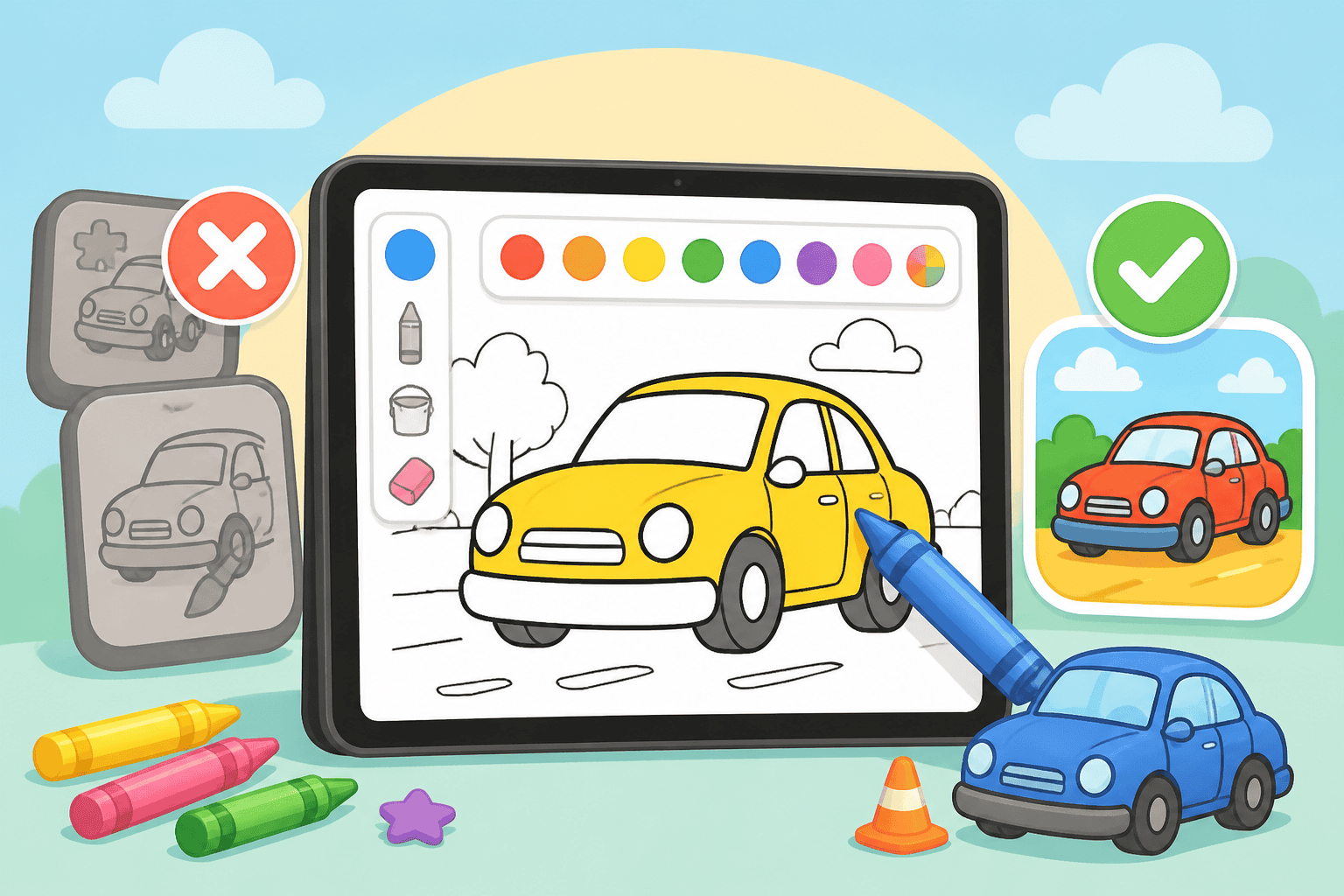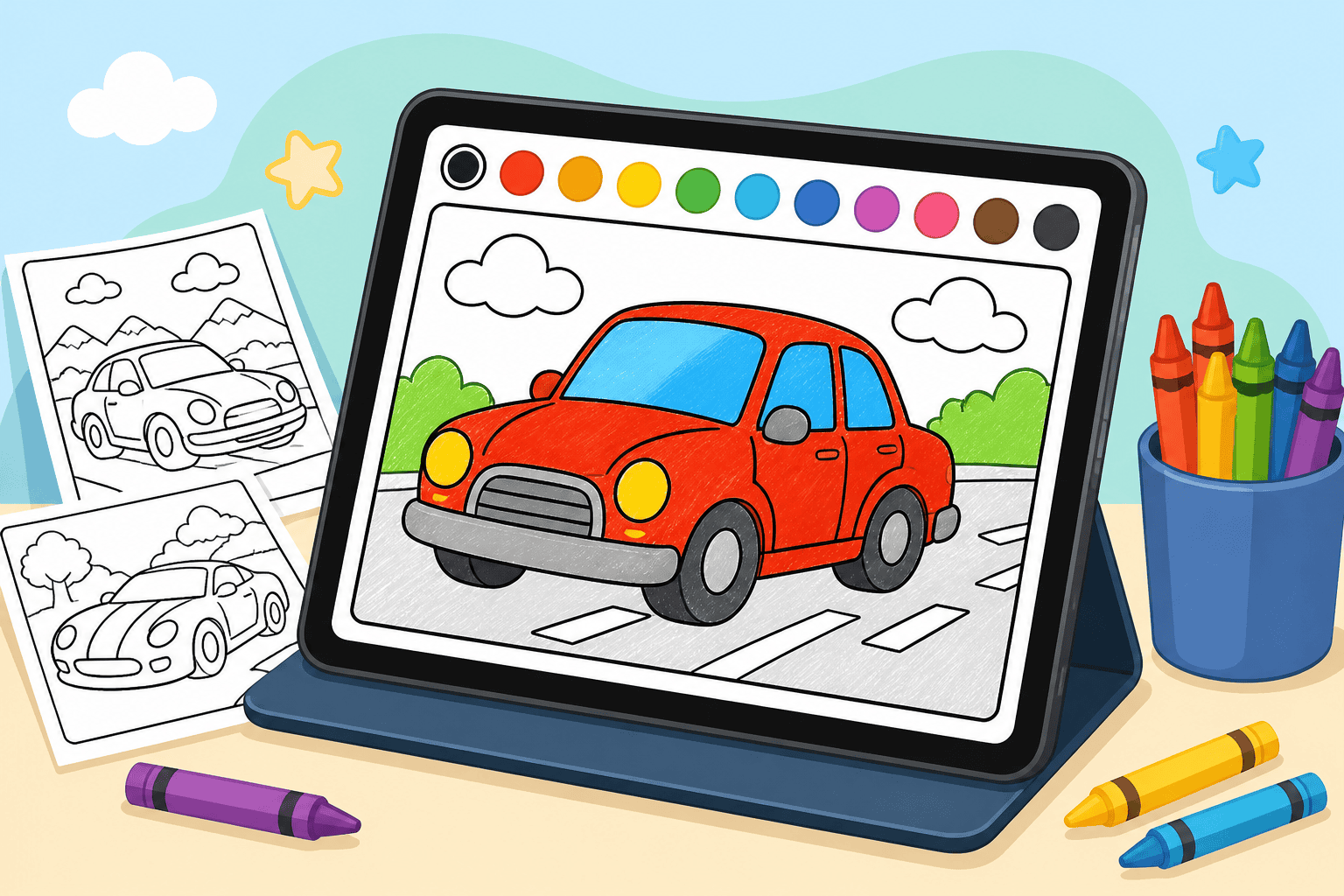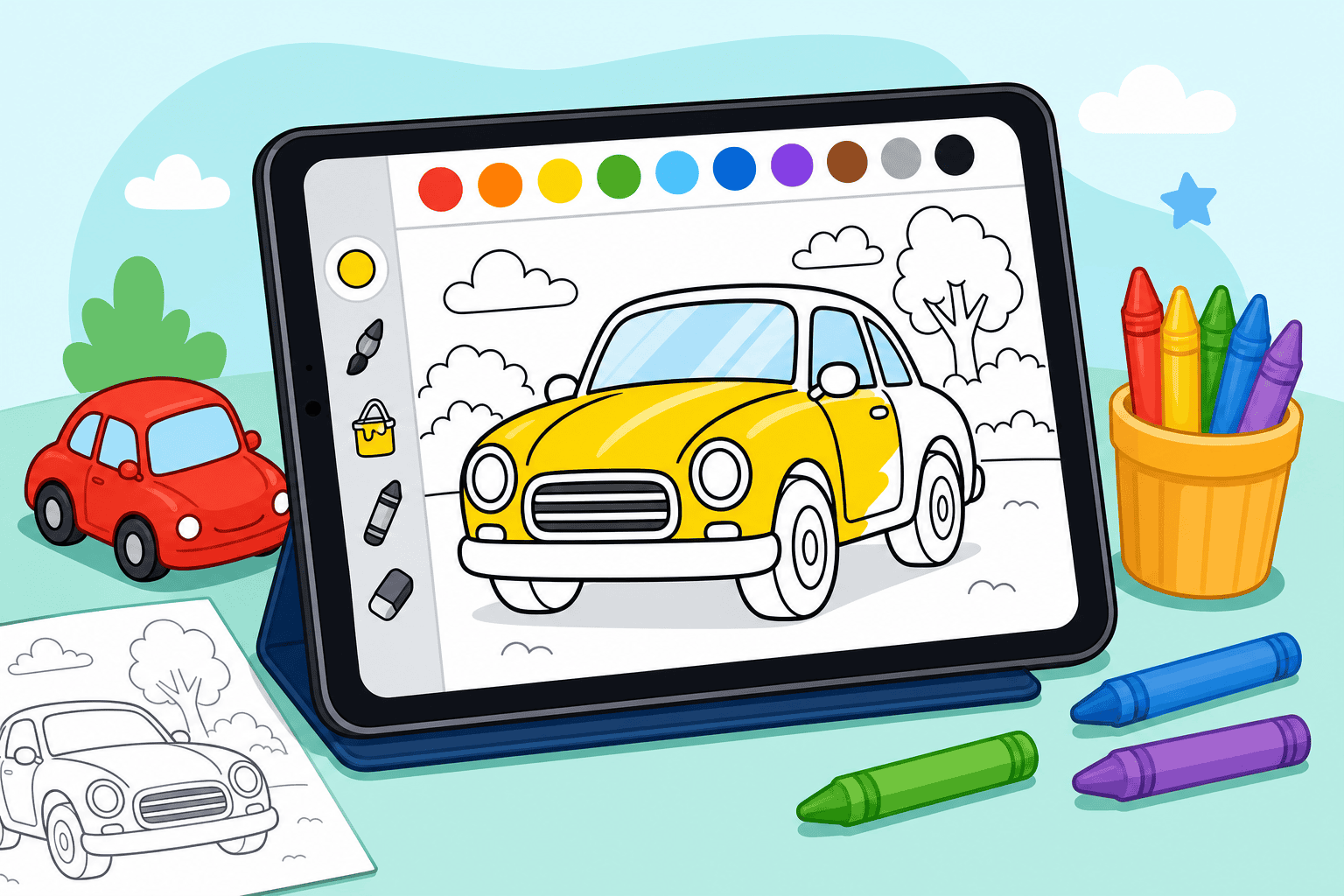
If you want a calm, creative screen activity, car coloring on ipad for kids is an easy win. In this guide you’ll get a step-by-step setup for a short, safe session that fits busy family life. The tips below focus on kids ages 3-10 and draw on our online coloring experience to keep things simple and fun.
Why choose car coloring on iPad for kids?
Digital coloring mixes the tactile joy of coloring with the convenience of a tablet. Your child can try endless colors, undo mistakes instantly, and save favorite pages without needing new crayons. For car fans, the subject is motivating: cars are bold shapes and forgiving for little hands.
Before you start: quick safety setup
Spend five minutes setting up safety and focus so the coloring session runs smoothly.
- Create a child account: Use a supervised Apple account or guided family account so purchases and settings are controlled.
- Enable Guided Access: Turn on Guided Access in Accessibility so your kid stays in the coloring app and can’t open other apps mid-session.
- Turn off in-app purchases: Disable or require your password for purchases to avoid accidental charges.
- Set a timer: Decide on a screen time length (10–20 minutes is great for ages 3-5; 20–40 minutes for older kids).
How to set up car coloring on ipad for kids
Follow these simple steps so you’re ready in under 10 minutes.
- Pick the right app or site: Use a browser or app that’s kid-friendly. Our site works in the browser and offers lots of car pages — start at All Drawings or recommend a curated book like the Online Coloring Book for themed sessions.
- Create a playlist of pages: Pre-select 3–5 car pages (simple to moderate detail) so your kid can switch easily and stay engaged.
- Choose tools and settings: Turn on large brush sizes and a simple palette for younger kids; give older kids extra effects if they’re ready.
- Test touch sensitivity: If you use a stylus, test it first so your kid doesn’t get frustrated by missed strokes.
Tools and accessories that help
A few small accessories make the experience smoother and more comfortable:
- Kid-friendly stylus (soft tip) — helps fine motor control for ages 5+.
- Screen protector — protects the iPad and gives a paper-like feel.
- Headphones — optional for sound effects or quiet time.
- A stable stand or case — keeps the tablet upright so your child can color comfortably.
Session ideas and keeping it fun
Short themes and guided prompts keep kids motivated. Try these quick ideas:
- Color-by-theme: Pick a theme—race cars, classic cars, or monster trucks—and do three pages in that theme.
- Color and name: Have your child name the car after they color it; it adds narrative play.
- Timed challenge: 10-minute coloring sprint for older kids to add details and compare saved pages.
Troubleshooting common issues
If your child gets distracted or frustrated, try these fixes:
- Reduce choices—offer 2 color palettes instead of 6.
- Switch to a simpler page—large shapes feel more doable for young kids.
- Use praise—save and display one finished page to celebrate progress.
Our online coloring experience shows that small prep and clear limits make digital coloring a reliable go-to activity. If you want more themed car pages, browse the car categories on the site and consider a Premium plan if you want ad-free sessions and 500+ HD pages for repeated use.
Want more ideas for car-themed creative play? Check our blog for activity posts and head to Create a free account to try pages with your kid right away.
Coloring pages that go with this post
- Police car monster truck coloring page — a reliable favourite with under-sevens.
- School bus monster truck coloring page — few areas to fill, hard to get wrong.
- Nissan 350Z coloring page — simple enough for a first sports car.
Or browse the whole catalogue of car coloring pages.