Why online car coloring works as ipad quiet time activities for kids
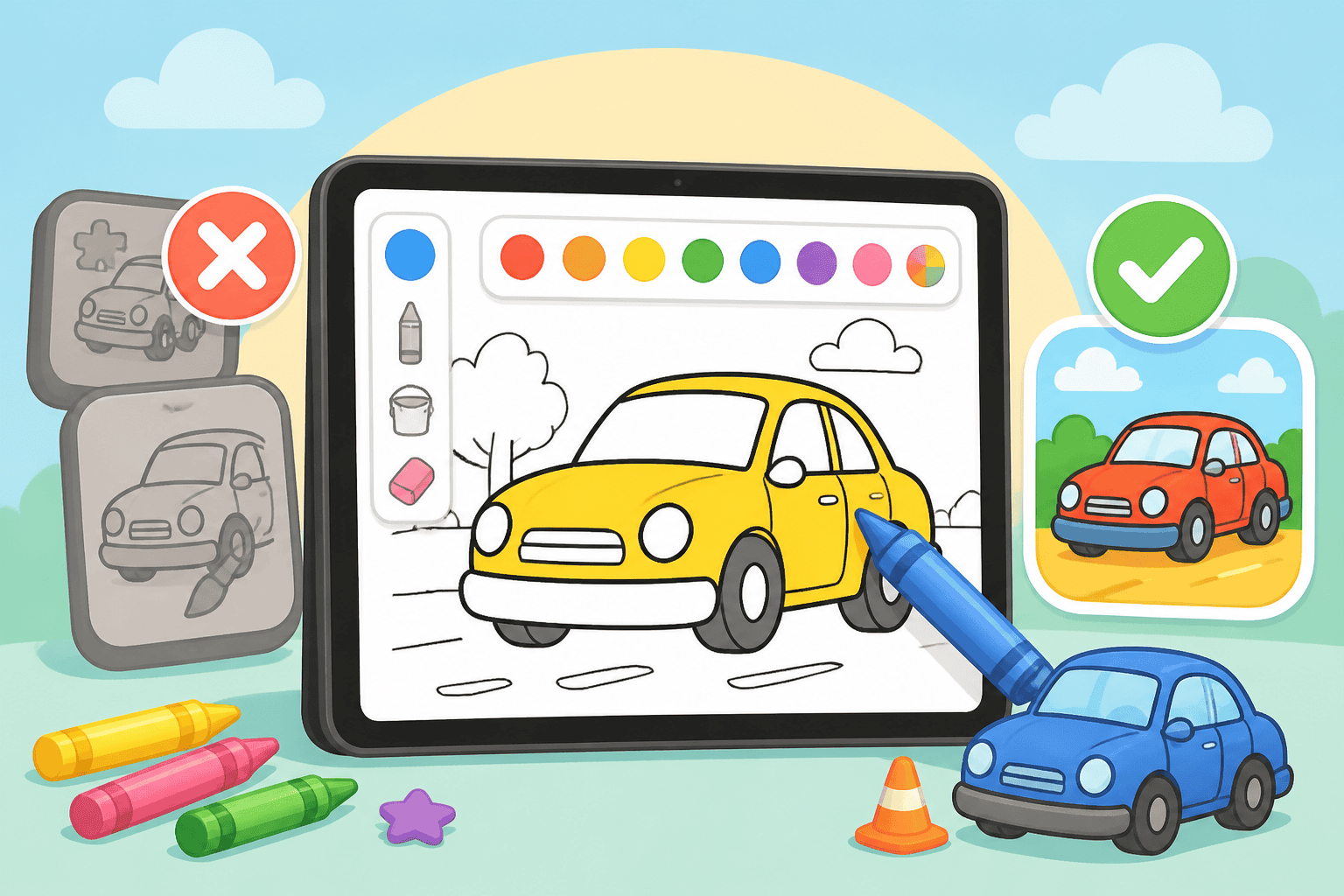
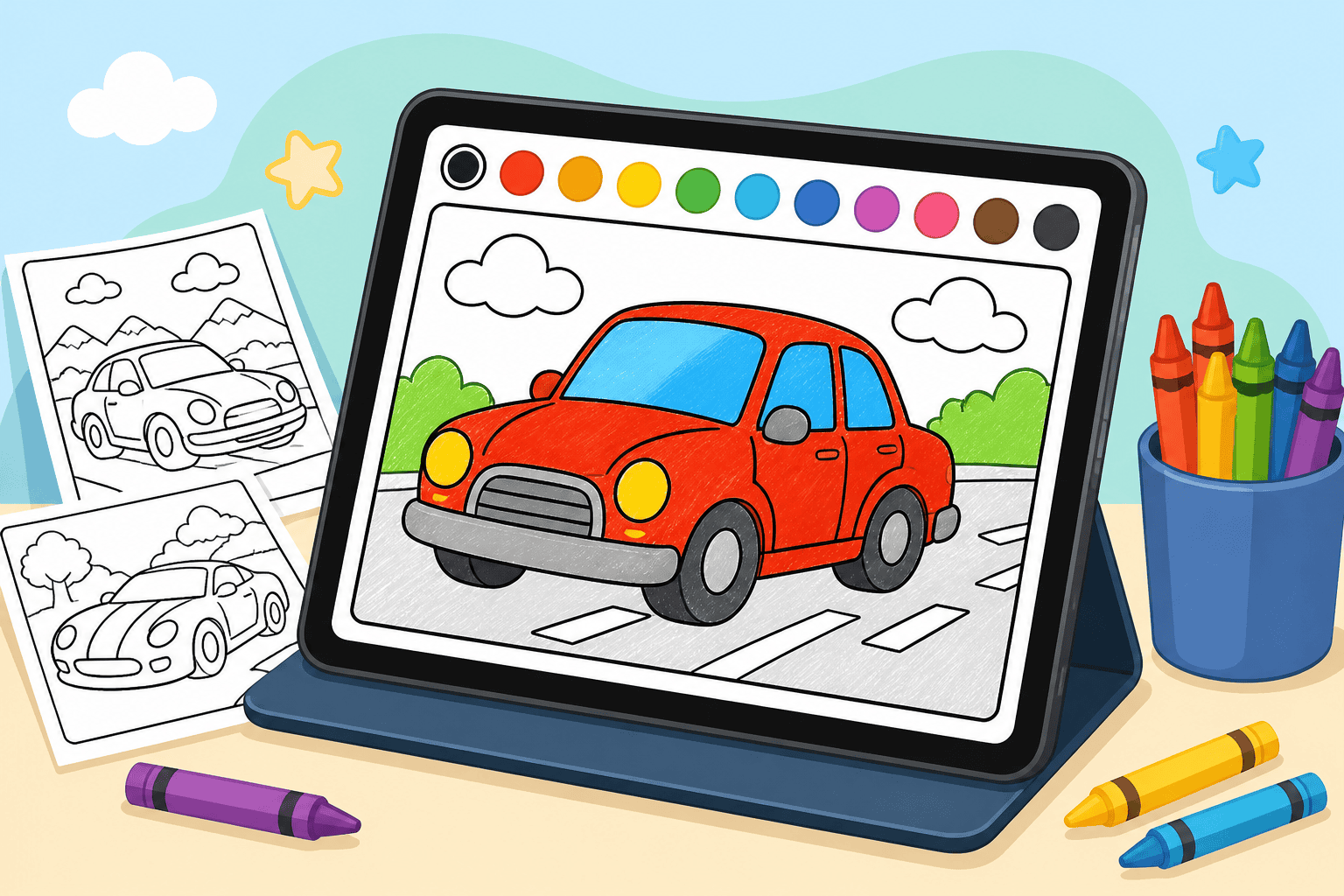
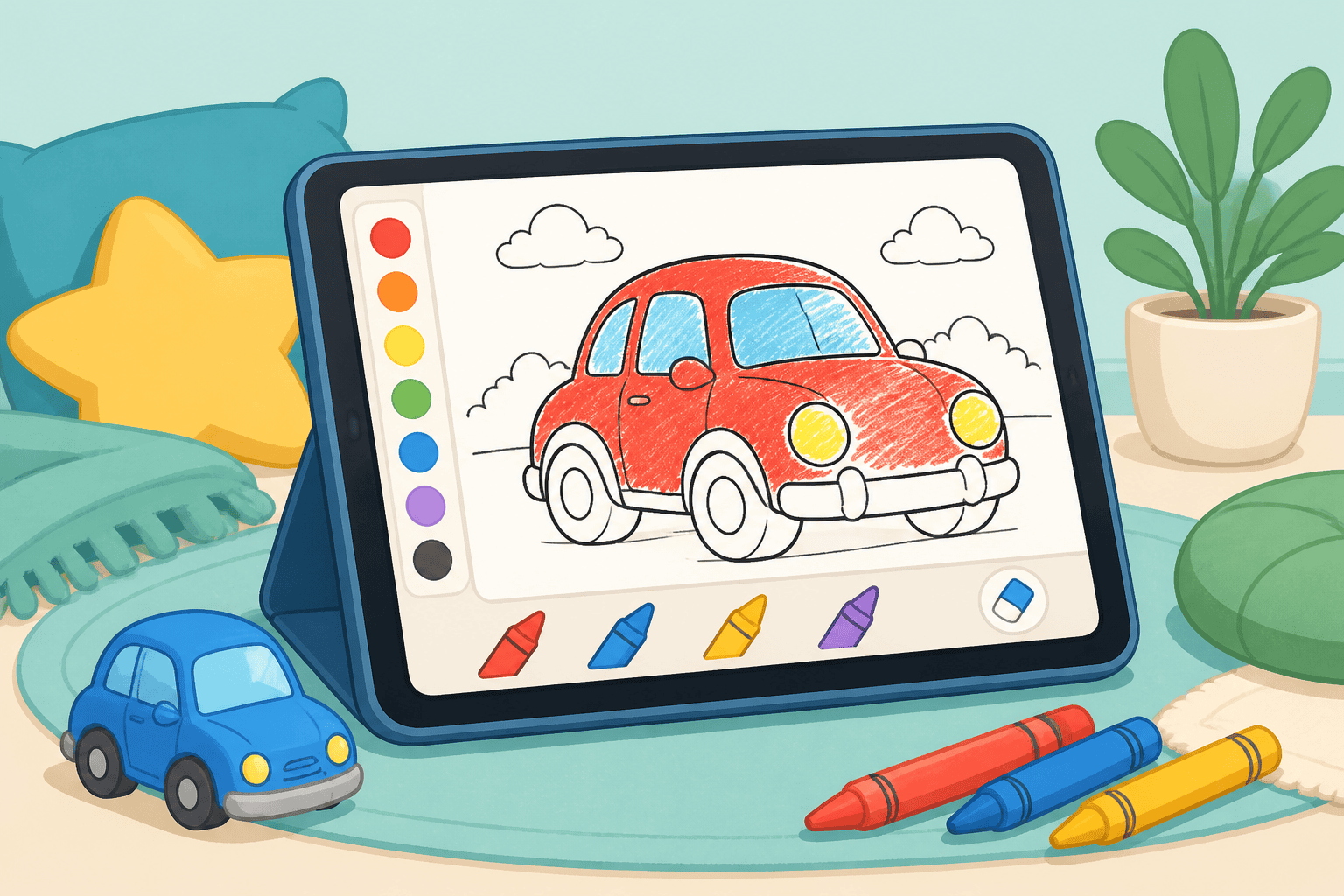
If you’re looking for simple, calm ipad quiet time activities for kids, browser-based car coloring is a great choice. It’s low-pressure, creative, and perfect for kids ages 3–10. On our free browser-based platform, kids and adults color cars online without downloading an app, so setup is fast and screen use stays focused.
How to set up calm coloring sessions on the iPad
Keep the environment quiet and predictable. Use these steps to turn a few minutes of screen time into a restful activity:
- Choose a comfy spot: couch, small table, or a lap desk where your kid can sit upright.
- Open the browser: go to the coloring site and select a car page from our gallery.
- Set a timer: 10–20 minutes is ideal for ages 3–5; 20–40 minutes for ages 6–10.
- Keep audio off: mute sounds and notifications so the session stays quiet.
Activity ideas and short time blocks
Short, structured activities help kids stay calm and engaged. Try these age-friendly options:
- Color by mood (10–15 min): Ask your child to color using only ‘calm’ colors—blues, greens, soft grays.
- Detail focus (15–25 min): Older kids can add patterns to wheels, decals, or racing stripes.
- Mini story (15–30 min): After coloring, invite your child to tell a one-sentence story about the car’s destination.
- Screen-free follow-up (5–10 min): Print or sketch a quick version of the car to continue off the iPad.
Tools and settings that keep quiet time calm
Small changes in the iPad settings make a big difference:
- Guided Access: Lock the app/browser so your child can’t leave the coloring page by accident.
- Do Not Disturb: Silence calls and alerts during quiet time.
- Brightness and blue light: Lower brightness slightly and consider Night Shift for evening sessions.
How our online coloring experience supports quiet time
Our platform is a browser-based experience built for parents and kids. You don’t need to install anything—just open the iPad browser and start coloring. The site is designed for ages 3–10 and includes simple tools that feel like crayons, not complicated drawing apps. Premium plans unlock 500+ HD pages, special effects, and an ad-free environment if you want a distraction-free session.
Sample quiet-time schedule for busy mornings
Use this quick routine to create predictable calm before school or errands:
- 8:00–8:05 — Set up coloring page together.
- 8:05–8:20 — Individual coloring time with muted audio.
- 8:20–8:25 — Share the finished page and one sentence about the car.
Book pick for car-loving kids
If your child loves cars, try our tuned car collection to keep them engaged. For more themed pages, check out the Online Coloring Book: Tuned Cars Edition. It’s a great match for kids who enjoy patterns, decals, and custom designs.
Quick tips for parents
- Start with short sessions and extend if your child stays calm and focused.
- Model quiet behavior by coloring alongside them for a few minutes.
- Use the browser-based format to avoid app downloads and in-app ads.
Quiet time on the iPad can be a calm, creative part of your routine when you choose simple, browser-based activities like car coloring. It’s easy to set up, friendly for ages 3–10, and keeps screen time purposeful rather than mindless.
Ready to try it? Start a quiet session now by picking a page from our collection or create a free account to save favorites. For a subscription with extra pages and an ad-free experience, see our pricing page.
Coloring pages that go with this post
- Dragon monster truck coloring page — detailed enough to hold attention for a while.
- BMW M3 E30 coloring page — clean lines, good for older children.
- Honda S2000 coloring page — an open-top shape with plenty of open area.
Or browse the whole catalogue of car coloring pages.