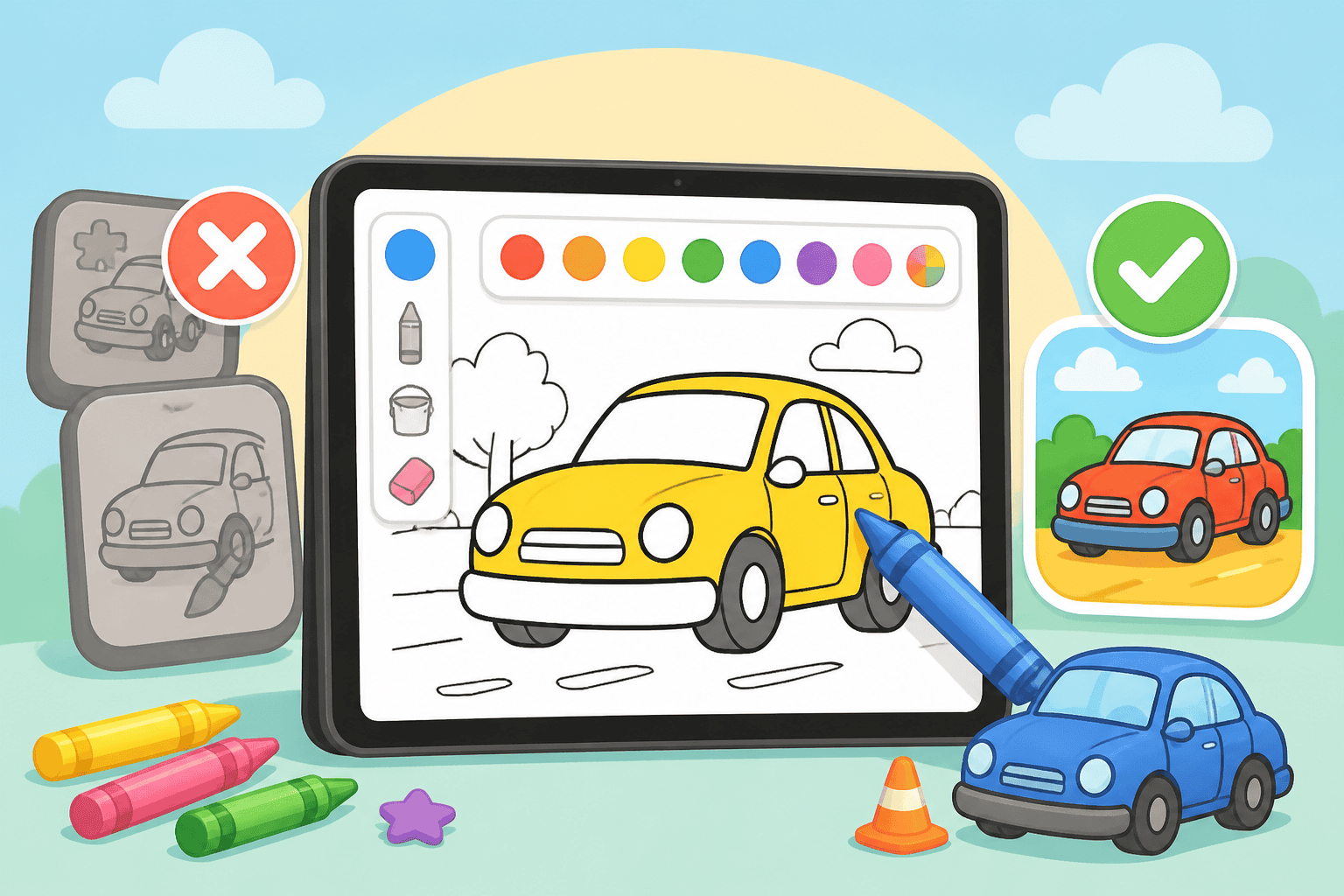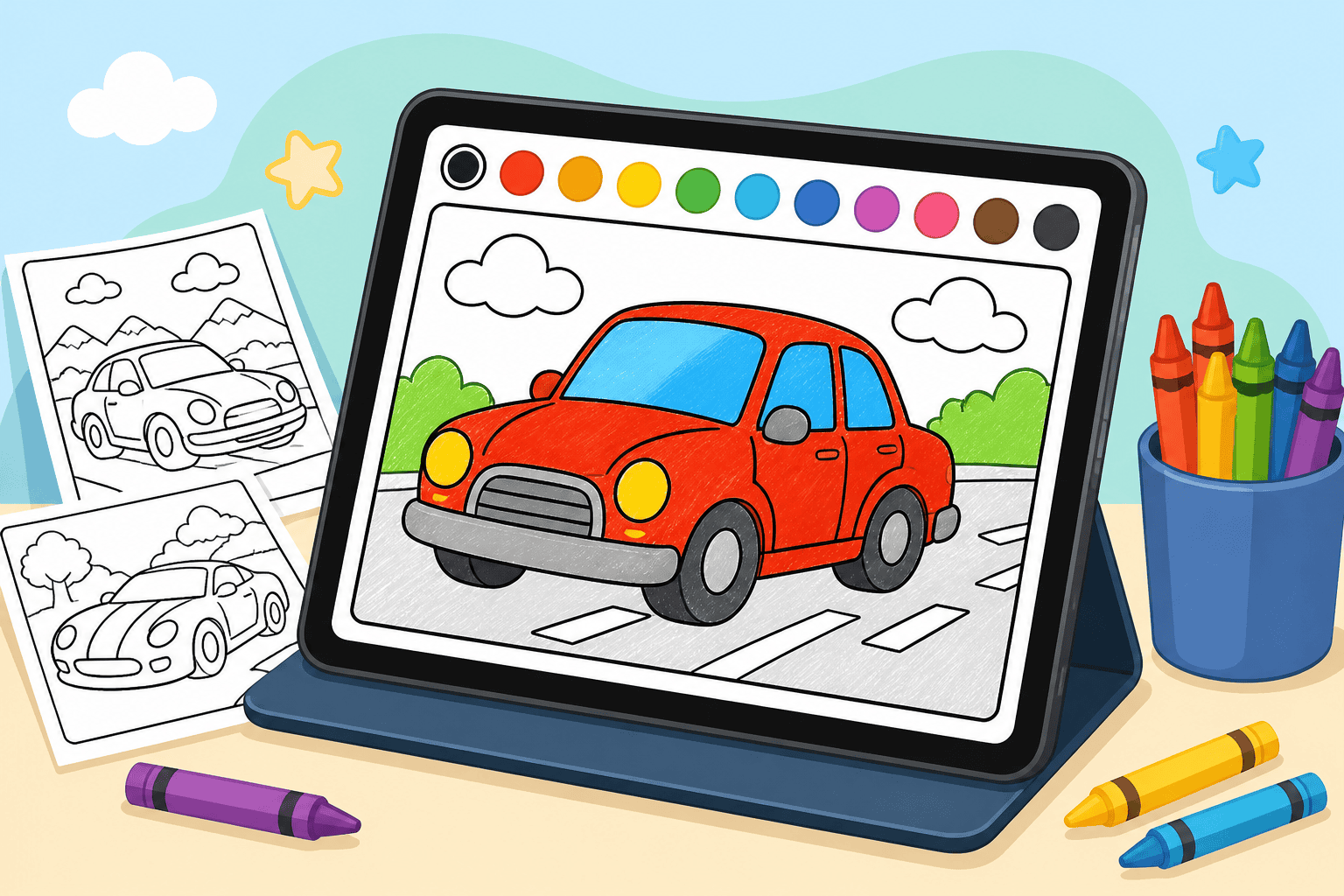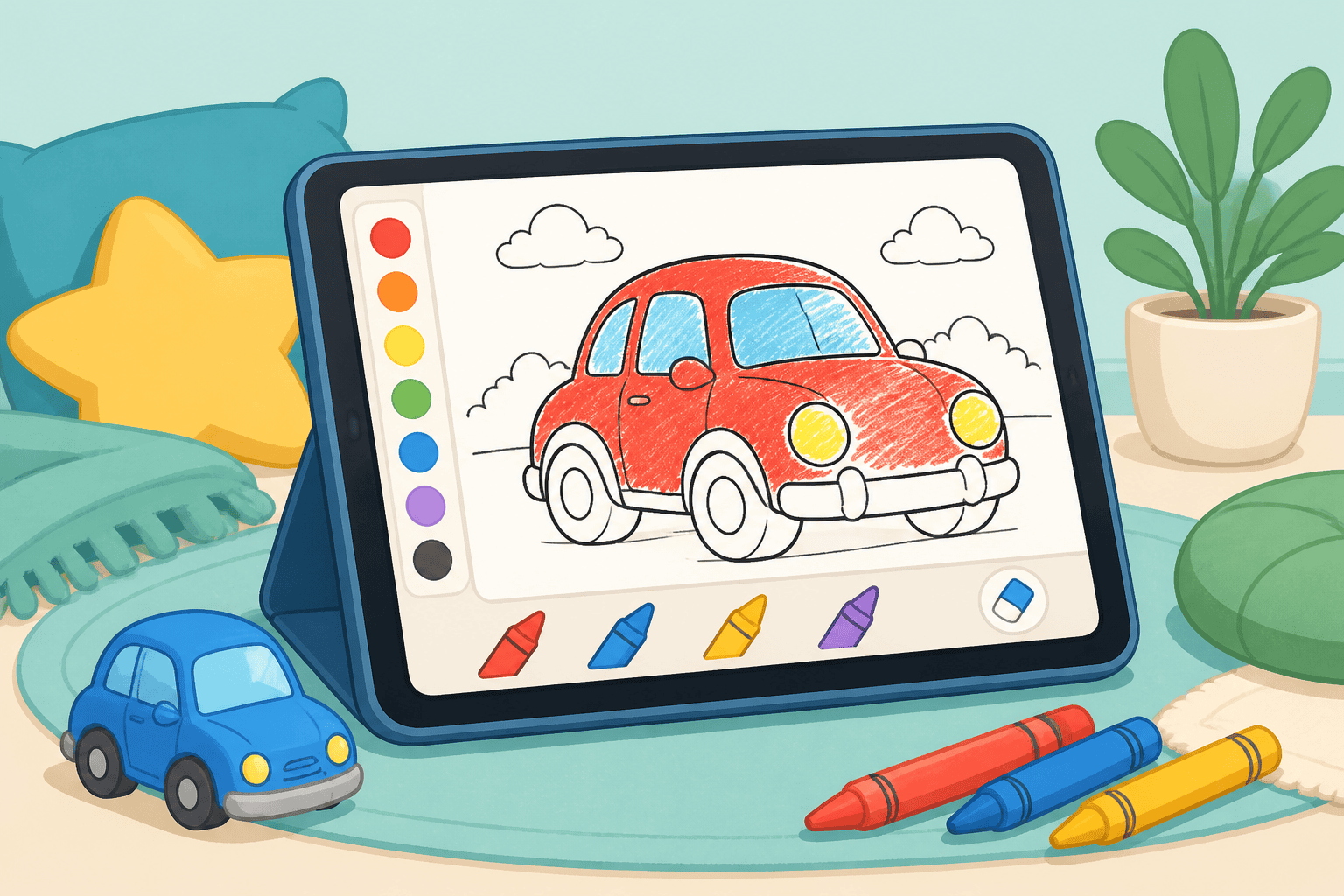
How to color on ipad safari is easier than you think. This short, parent-friendly tutorial walks you through opening Online Cars Coloring in Safari on an iPad and coloring using simple finger taps. Our online coloring experience is designed for kids ages 3-10 (and adults who want to join in), with easy tools and large taps that make coloring fun and frustration-free.
Why use Safari on an iPad for coloring?
Safari on iPad offers a smooth, full-screen browser experience with responsive touch support. You don’t need to install an app — just open Safari, visit the site, and start coloring. That makes it a great choice for quick play sessions, road trips, or quiet table time.
How to color on ipad safari: step-by-step
Follow these steps to get your kid coloring in minutes. Keep the iPad on a stable surface and sit beside your child to guide them.
- Open Safari on the iPad from the home screen.
- Type or tap the site address and go to Online Cars Coloring. You can also bookmark the page for quick access.
- Register or continue as guest. Tap Create a free account if you want saved galleries and progress; otherwise continue without registering.
- Choose a drawing. Tap Drawings to browse categories. If your kid loves modified vehicles, try the Tuned Cars Edition.
- Pick a coloring tool. For young kids, use the fill/bucket tool — it fills large areas with one tap. Older kids can use brushes and stickers if available.
- Color with finger taps. Tap inside a car area to fill it with color. For smaller details, pinch to zoom in and tap carefully or use a stylus if you have one.
- Undo or clear. Use on-screen undo buttons to fix accidental fills. Encourage exploration — mistakes are part of the fun.
- Save and share. When your child is done, save the image to the iPad or share it with family.
Tips for tapping, zooming, and staying in the lines
- Use large color areas for younger kids (ages 3-5) so they get satisfying, quick results.
- For ages 6-10, teach pinch-to-zoom in Safari to color small details with more accuracy.
- Keep fingers dry and the screen clean — a quick wipe improves touch response.
- Turn on Guided Access (iPad settings) if you want to lock the child into the coloring page during playtime.
- Try a low-cost stylus if your child wants more control over small details.
Saving, printing, and sharing your colored cars
After coloring, you’ll want to keep the artwork. Here’s how:
- Save to Photos: Tap the save or download button and allow Safari to store the image in Photos.
- Print: Use AirPrint from the Photos app to print finished pages for framing or fridge display.
- Share: Share via Messages, email, or Airdrop to show family and friends.
Troubleshooting common issues on iPad Safari
- Slow loading: Close other Safari tabs, refresh the page, or restart the iPad.
- Touch not responding: Wipe the screen and make sure Screen Time limits aren’t blocking site features.
- Cannot save: Check Safari permissions in Settings > Safari > Downloads and Photos access.
- Accidental home gestures: Turn on Guided Access in Settings > Accessibility to keep the iPad on the coloring page.
Quick checklist before you start
- iPad charged and on a stable surface
- Safari updated to the latest iPadOS version
- Optional: a stylus for older kids
- Bookmark Online Cars Coloring for one-tap access
Our platform is built for a smooth browser experience for kids ages 3-10 and adults who want to color cars together. If you want more pages, effects, and an ad-free session, check our subscription options on the pricing page.
Want extra themed pages? Try our Online Coloring Book: Tuned Cars Edition for hundreds of modified car drawings that are perfect for practicing taps, color combos, and decals.
Coloring pages that go with this post
- BMW M2 G87 coloring page — a good page to test the fill tool on.
- Subaru Impreza WRX STI coloring page — blue and gold, if you want it accurate.
- Zombie monster truck coloring page — torn panels make the tolerance slider useful.
Or browse the whole catalogue of car coloring pages.