Tablet coloring activities for kids: why they work
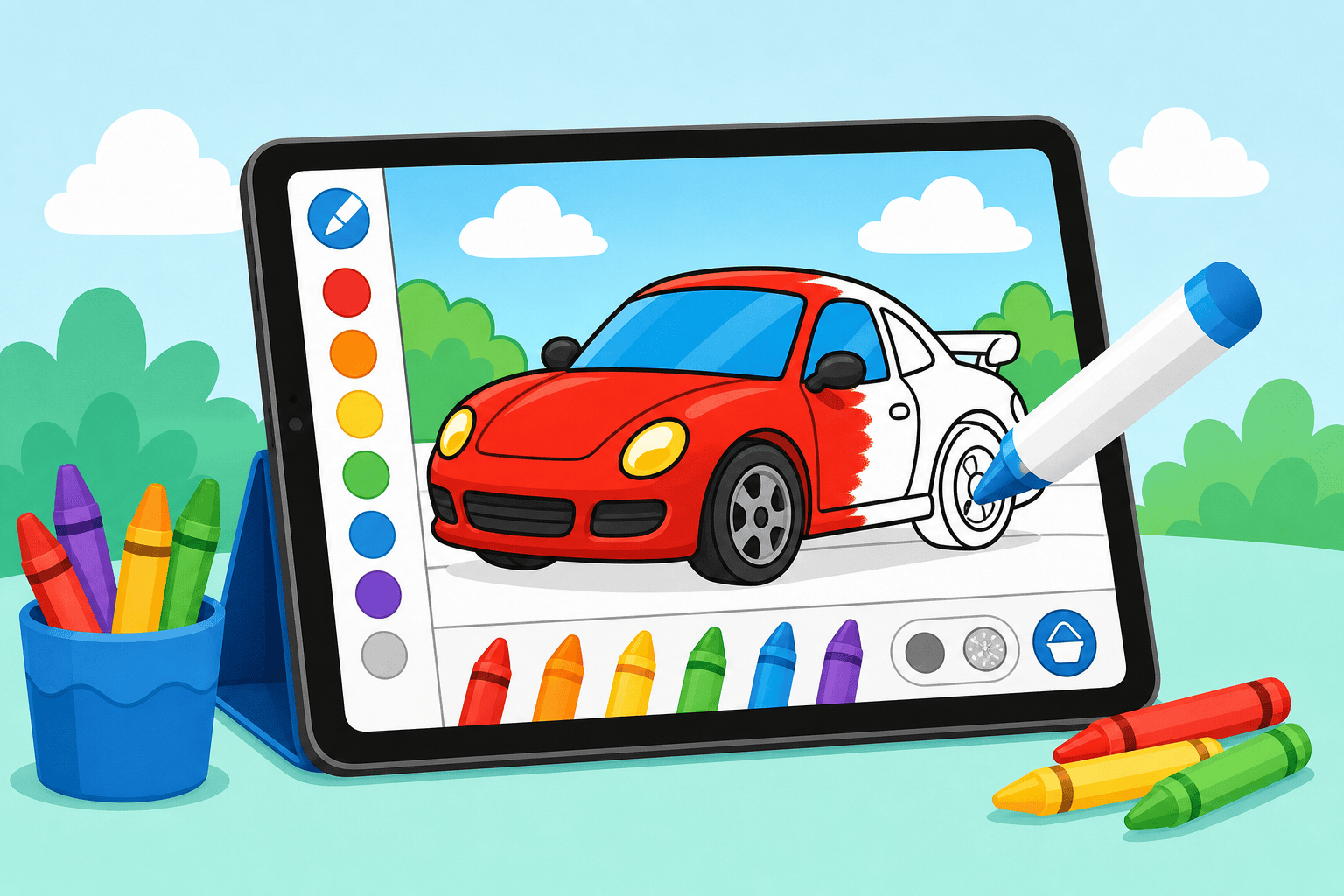
If your kid loves cars, tablet coloring activities for kids can be a perfect mix of tech and creativity. On our free browser-based platform, your child (ages 3–10) can color car pages, add effects, and learn basic screen habits — all without downloads. These activities are easy to fit into short play sessions and they support fine motor skills, color recognition, and imagination.
Top car-themed tablet coloring activities that actually engage kids
Here are simple, high-value activities you can try on any tablet. Each one works with our online coloring pages and needs minimal setup:
- Race-day color challenge: Set a 10-minute timer. Your kid colors a race car and then names three upgrades (paint, stripes, wheels) to imagine a custom racer.
- Color-by-features: Give a list (hood: blue, rims: red) so younger kids follow directions and older kids practice logic.
- Design-your-dream-car: Let them pick colors, add flames or decals, and tell a short story about where the car is going.
- Mirror symmetry paint: Use a two-panel coloring page so they paint one side and copy it on the other — great for ages 5+.
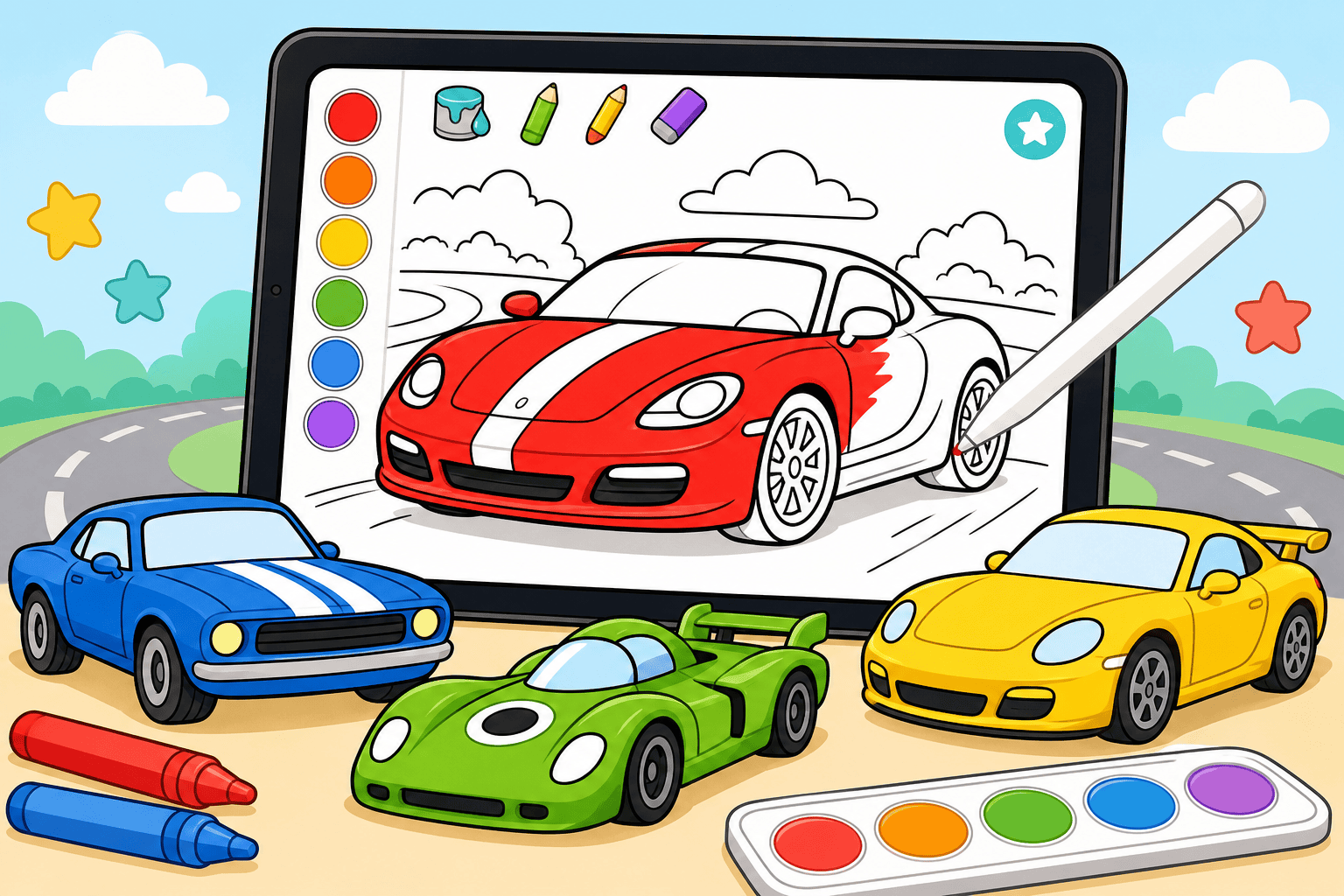
- Texture and effects play: Try gradient, matte, or glow effects on the same car page to compare looks.
- Sticker finish: Add virtual stickers and badges as rewards for finishing pages.
- Team-livery collaboration: Sibling or parent vs. child teams color different parts and then combine for a full design.
- Car-bingo color hunt: Create a simple bingo card of colors or features and mark them off as pages get colored.
To get instant car pages, explore our full catalog on the Drawings page. If your child is into classic muscle, check our American Muscle Cars book for themed pages: American Muscle Cars.
How to set up a safe, fun tablet session
Short, consistent setup helps your kid enjoy tablet coloring activities for kids without screen fatigue. Try this checklist:
- Time: 10–20 minute sessions for ages 3–5; 20–45 minutes for ages 6–10.
- Position: Tablet flat on a table or in a stand to protect posture.
- Tools: A kid-friendly stylus improves control, but fingers work fine.
- Boundaries: Use a visible timer and a cool-down activity when time's up.
- Supervision: Stay nearby for younger kids to guide colors and tap controls.
Features to look for in tablet coloring activities
Not all coloring apps are built the same. When choosing activities, prioritize these features so your tablet time stays fun and frustration-free:
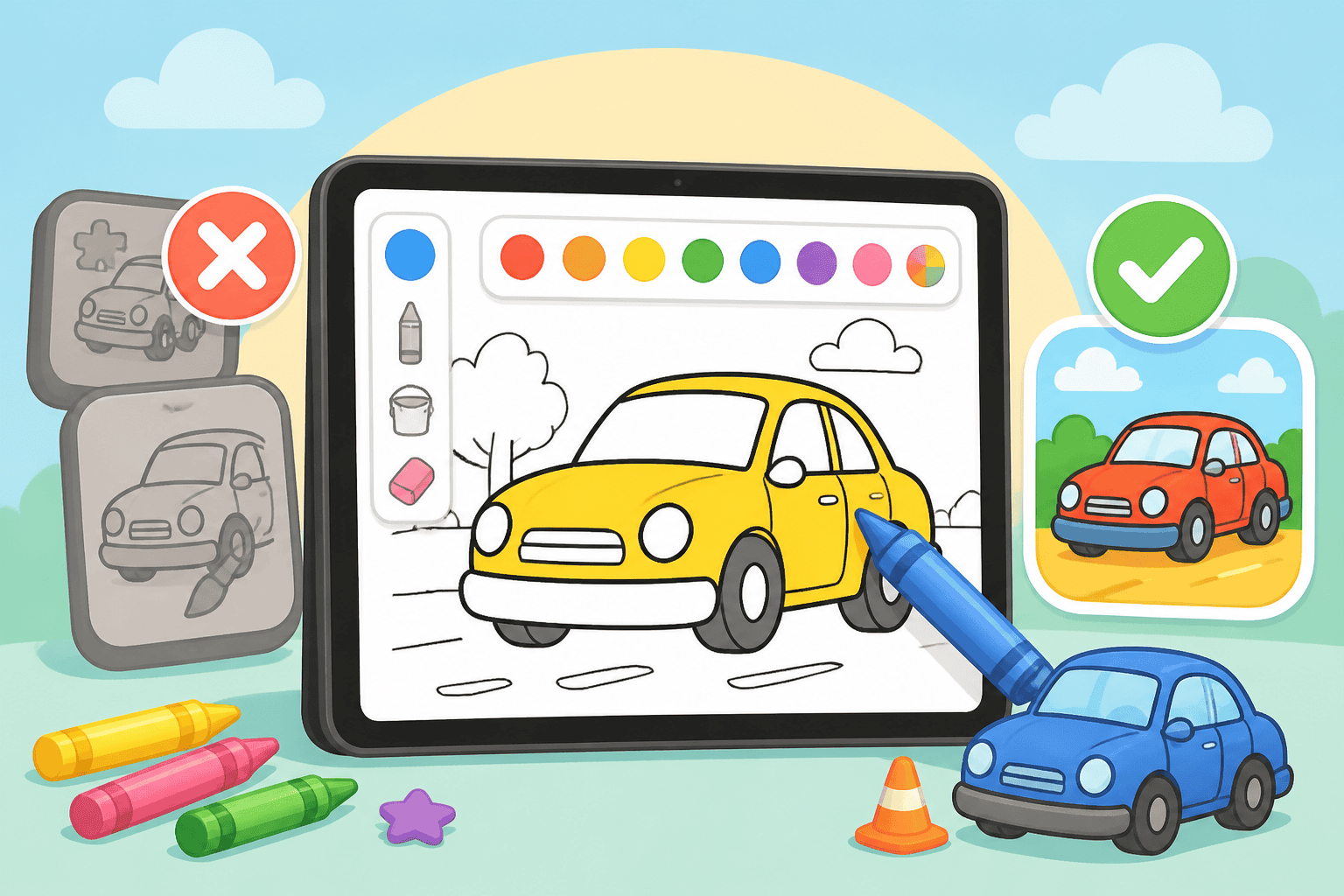
- Large, kid-friendly buttons — easy to tap with gloved or small hands.
- Undo and erase — let kids experiment without stress.
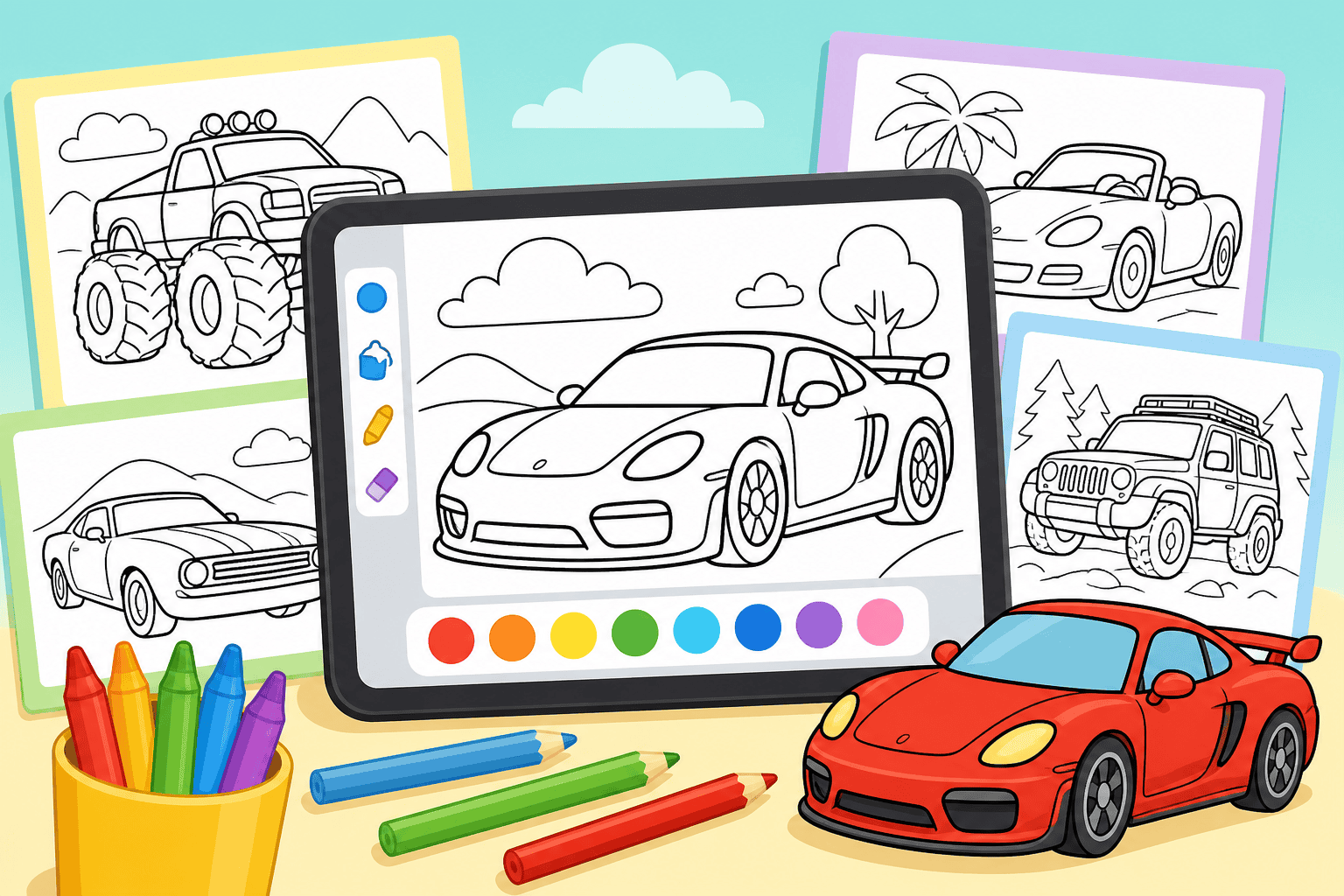
- Multiple page styles — simple outlines for toddlers, detailed cars for older kids.
- Special effects — try shimmer, gradient, and glow to keep interest high.
- Ad-free option — consider a subscription to remove distractions; learn more on our Pricing page.
Our online coloring experience offers these features in the browser, so you don’t need to install anything. If your family wants more pages, create a free account at Register to save favorites and track progress.
Activity ideas by age (quick guide)
- Ages 3–4: Large shapes, basic color prompts, and sticker rewards.
- Ages 5–7: Color-by-features, mirror symmetry, and simple design choices.
- Ages 8–10: Full custom liveries, texture mixes, and timed design challenges.
For kids obsessed with specific car types, our specialty books are handy — try the American Muscle Cars pack for classic designs, or explore other themed collections on the Drawings page.
Ready to try these tablet coloring activities for kids? Head to our Drawings gallery to pick a car page, or create a free account to save your kid’s best designs and unlock extras. Happy coloring!
Coloring pages that go with this post
- Ice cream van monster truck coloring page — pastel palette, calmer than the rest.
- T-Rex monster truck coloring page — dinosaurs and trucks in one page.
- Shark monster truck coloring page — two-tone by design, so it colours quickly.
Or browse the whole catalogue of car coloring pages.