Online coloring for tablets: browser vs. apps
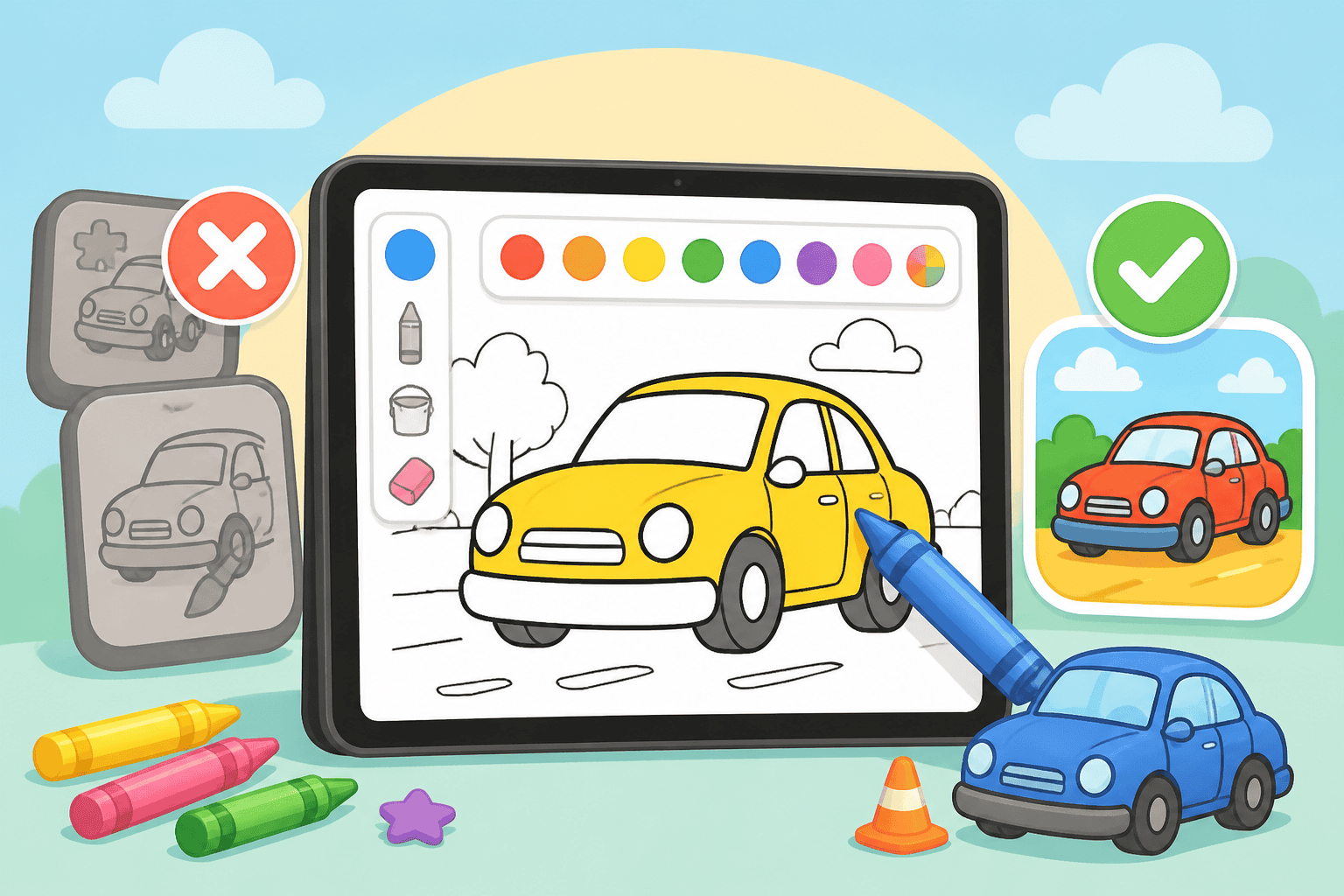
If you’re searching for the easiest way to color on an iPad or Android slate, online coloring for tablets is worth a serious look. As a parent, you want something quick, safe, and reliable for kids ages 3-10 — and for grown-ups who enjoy a casual coloring break.
Top reasons parents choose browser-based online coloring
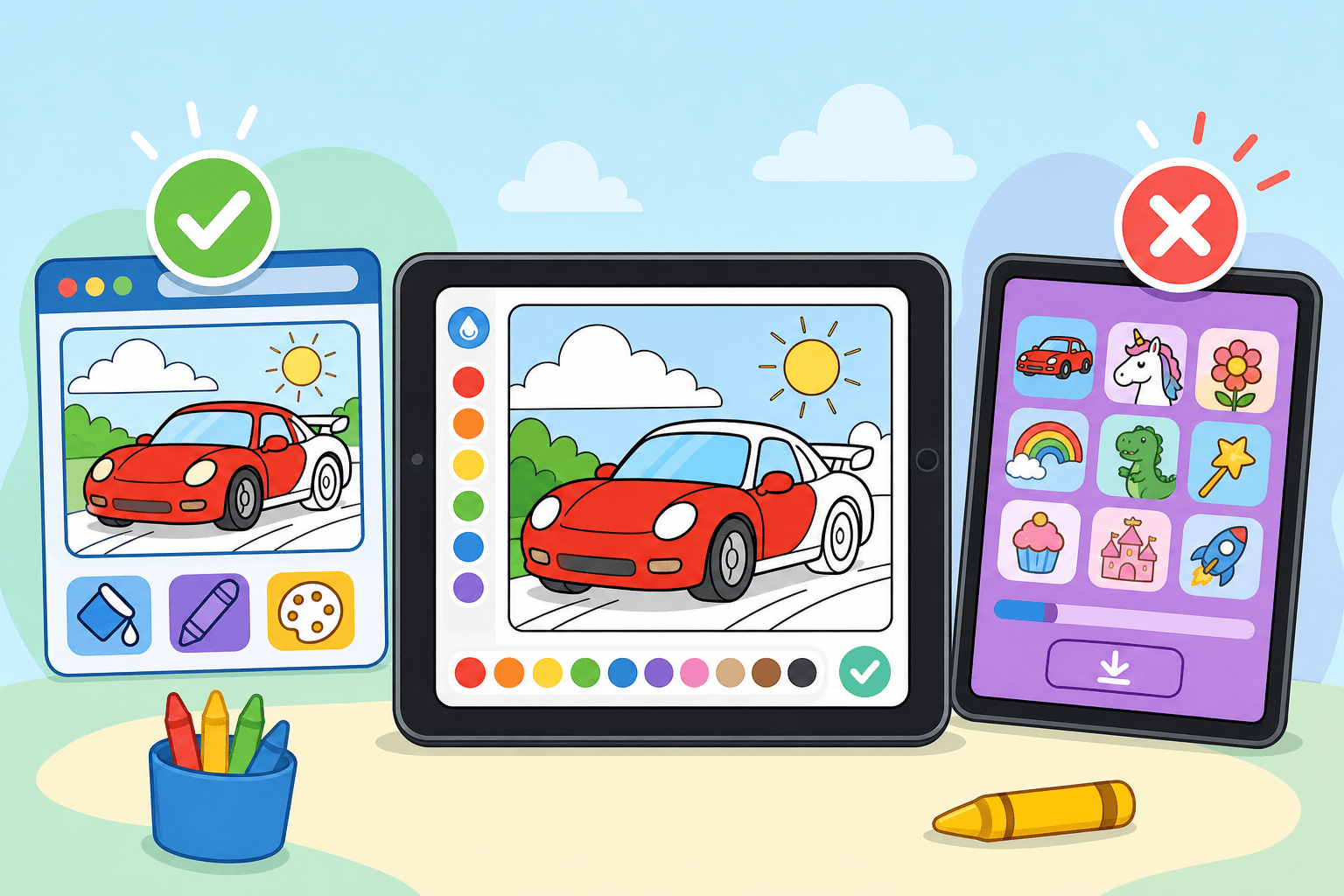
Browser-based coloring removes many of the common hassles families see with app-store downloads. Here’s what parents tell us they appreciate most:
- No installs: Start coloring instantly from your tablet browser — no App Store or Play Store required.
- Less storage used: Web pages take far less space than full apps, which helps older or lower-storage tablets.
- Automatic updates: Improvements appear immediately in the browser without manual updates.
- Cross-device access: Continue a session on a different device without re-downloading content.
Performance and convenience on iPads and Android tablets
Tablets vary in RAM and storage. Coloring apps can be heavy; they may slow older tablets or clog updates. With online coloring for tablets, the experience is tuned for the browser, so tools run smoothly and don’t force you to manage app updates or permissions.
Real examples
- Open your tablet browser, pick a page, and you’re coloring within seconds.
- Switch from a family iPad to an Android tablet and your saved work remains accessible.
Privacy, safety, and fewer distractions
Apps often ask for permissions, push notifications, or include ads that lead kids away from the activity. A browser-based site can be configured to be ad-light for logged-in users and keeps permissions minimal. Our online coloring experience focuses on safe, parent-friendly interaction without unexpected pop-ups.
Tools and features families actually use
Online coloring for tablets offers the core features kids and adults want: simple brushes, stamps, undo, and save. For families that want more, our premium plan unlocks 500+ HD pages, special effects, and an ad-free experience.
- Simple tools: Intuitive for ages 3-10 and enjoyable for older users.
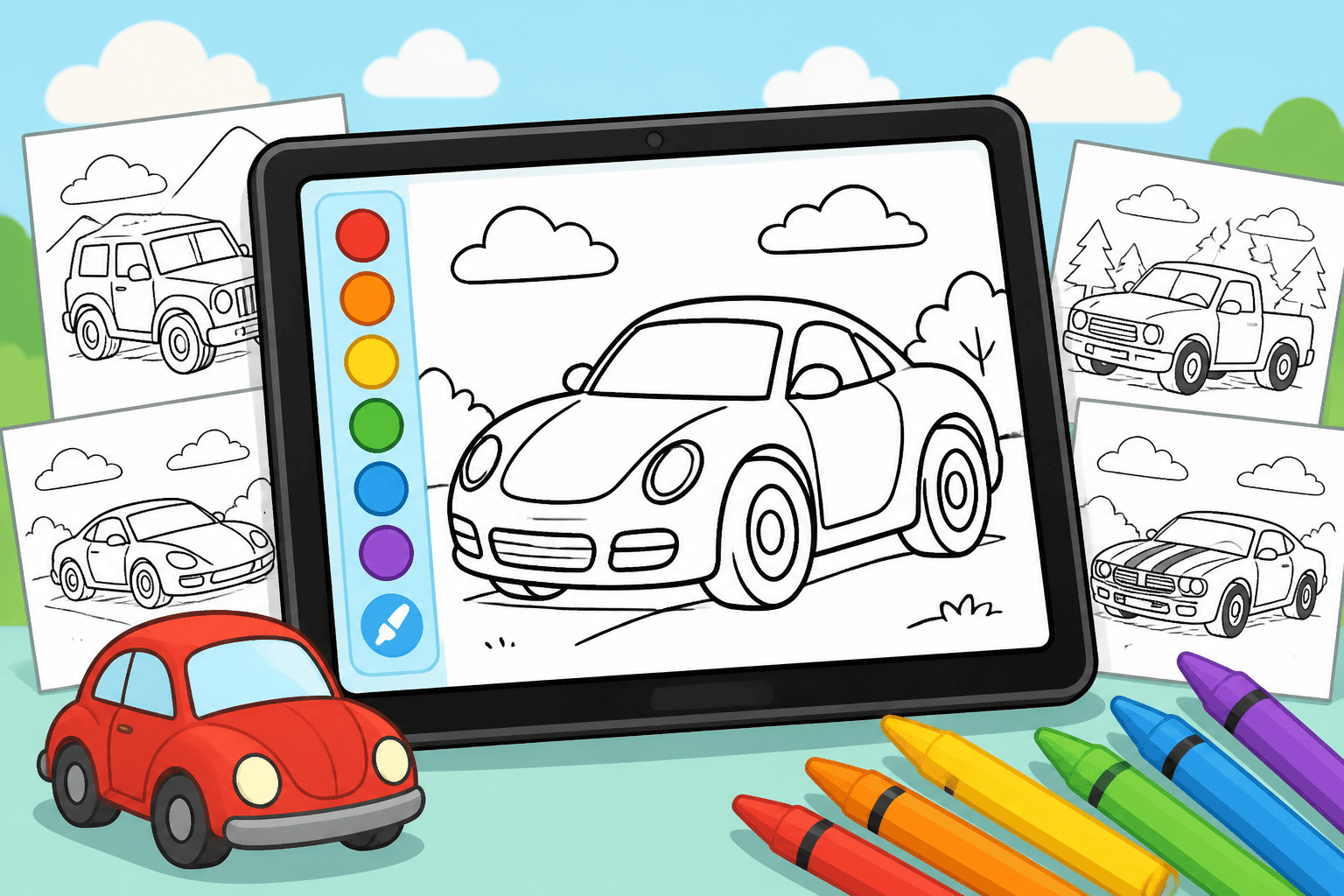
- High-quality pages: Choose from categories like cars, trucks, and more on our drawings page.
- Printable options: Save and print favorites for offline fun.
Tips to get the best tablet coloring session
- Use a stylus for better control — but thumbs and fingers work fine for young kids.
- Set a charging routine so sessions don’t end mid-color.
- Use guided time limits and a quiet playlist for a focused, calm activity.
- Try different categories to keep interest high — our Online Coloring Book is a great place to explore many pages.
Who benefits most?
Families with mixed devices, parents who want low-maintenance art time, and kids ages 3-10 who need an easy entry point. If your tablet has limited storage or you prefer not to install more apps, online coloring for tablets gives you quick access and consistent behavior across devices.
How to start with our browser-based coloring
Getting started is simple: open your tablet browser, visit our homepage, and pick a category. For the full experience, create a free account — it keeps favorites and saves progress across devices. Explore categories on the drawings page and consider upgrading for extra HD pages and an ad-free session.
Recommendation: If you like themed collections, check out our curated Online Coloring Book for hours of tablet-friendly pages that kids and adults both enjoy.
Ready to try a faster, simpler, and kid-friendly way to color on tablets? Create a free account and start coloring in seconds.
Coloring pages that go with this post
- McLaren Senna coloring page — lots of separate aero surfaces to fill.
- Bugatti Chiron coloring page — the two-tone paint job is worth copying.
- Honda NSX coloring page — clean enough to finish in one sitting.
Or browse the whole catalogue of car coloring pages.